Master the SF50 on your schedule at your pace
Interactive type-rating study for limitations, memory items, systems, maneuvers through text, diagrams and audio briefings — built for Aero City Jets and accessible to all
Sign in required — progress syncs to your account
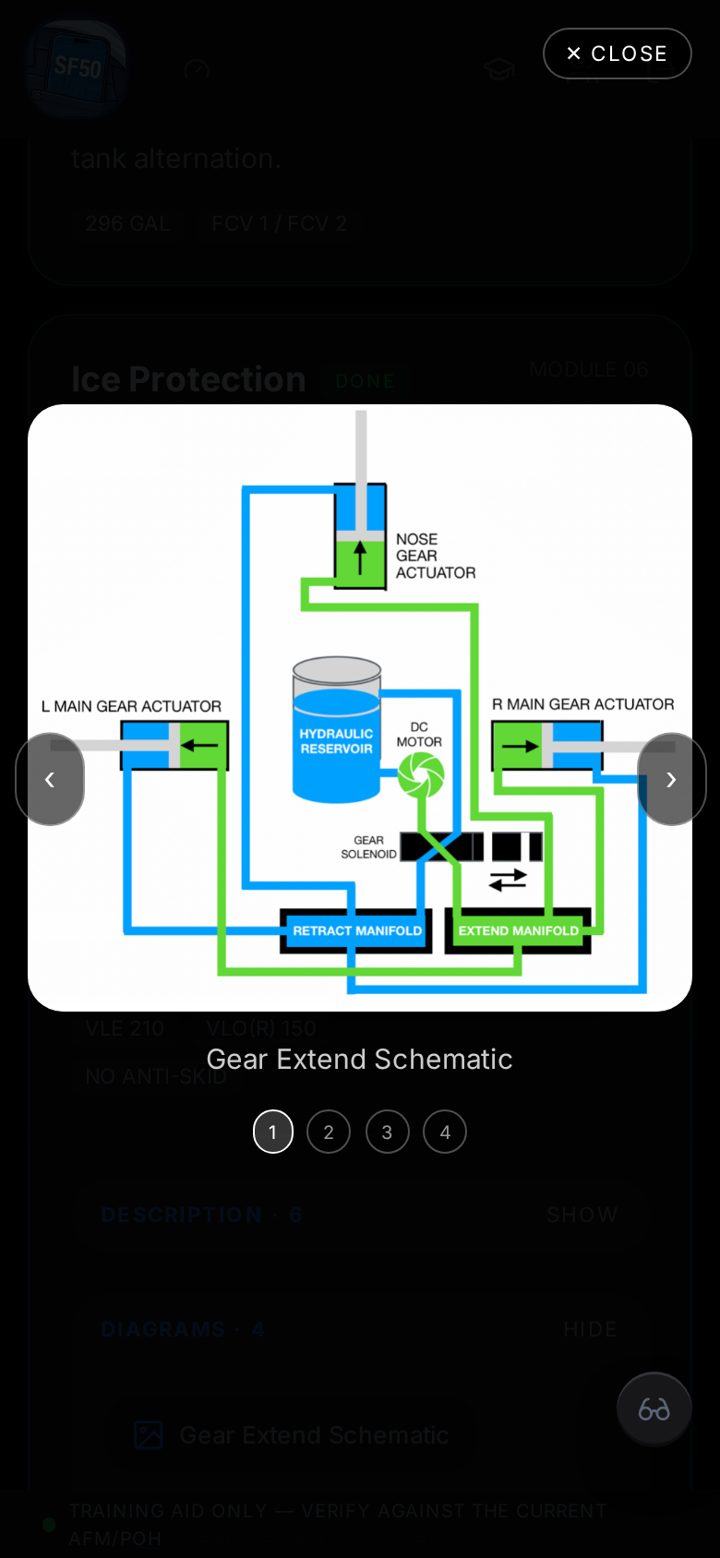
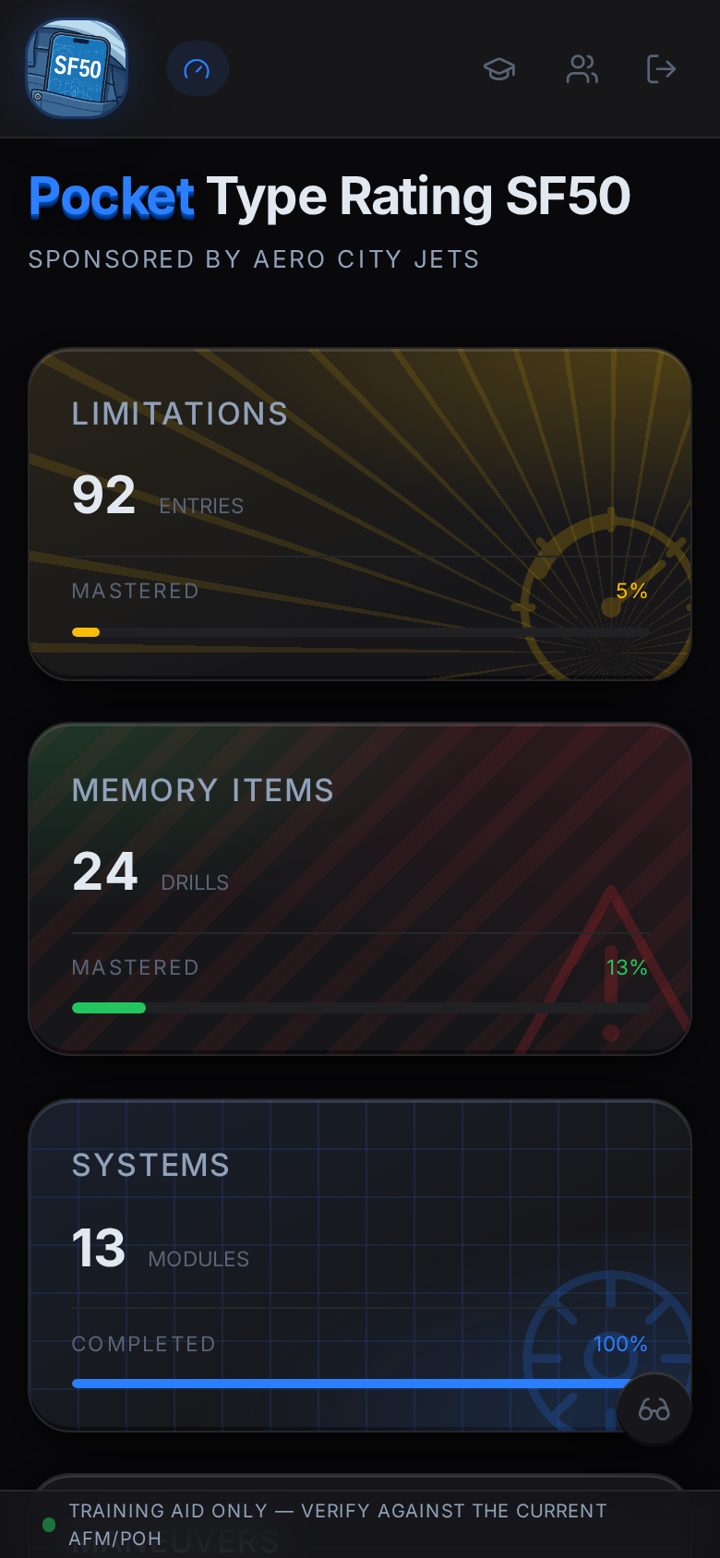
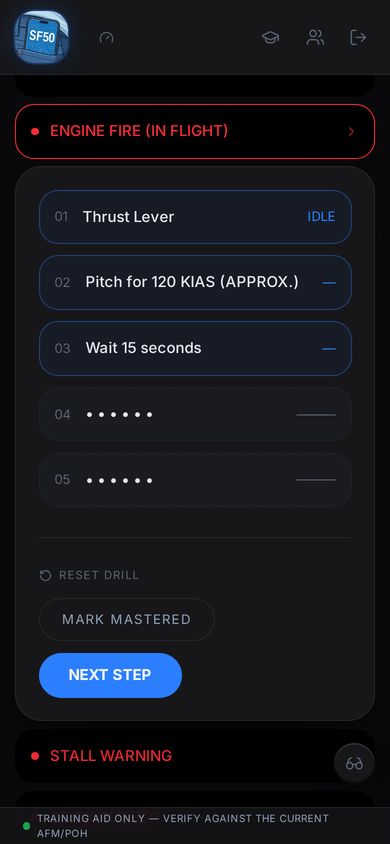
This comprehensive resource was developed from hundreds of hours of input from SF50 examiners, instructors, education professionals and passionate pilots.
It is designed to continually evolve through feedback from pilots like you. Not only will you benefit from a distilled wealth of knowledge but you can choose to contribute via your feedback.
What's inside
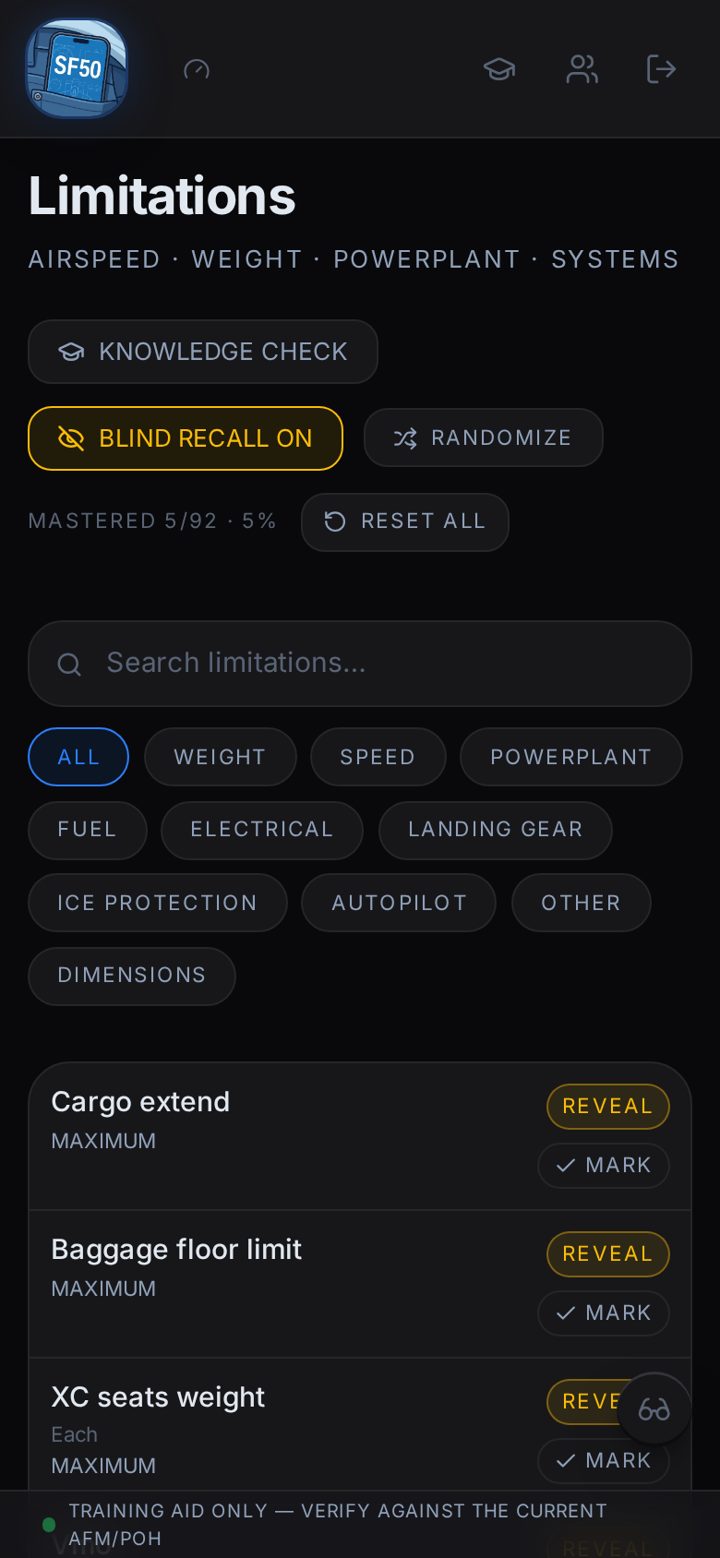
Limitations
Includes a blind-recall mode with mastery tracking and a knowledge check drawn from a growing question bank.
Memory Items
Step-through emergency drills that follows your progress
Systems
Deep-dive modules covering the need to know on powerplant, avionics, ice protection, fuel, electrical and much more.
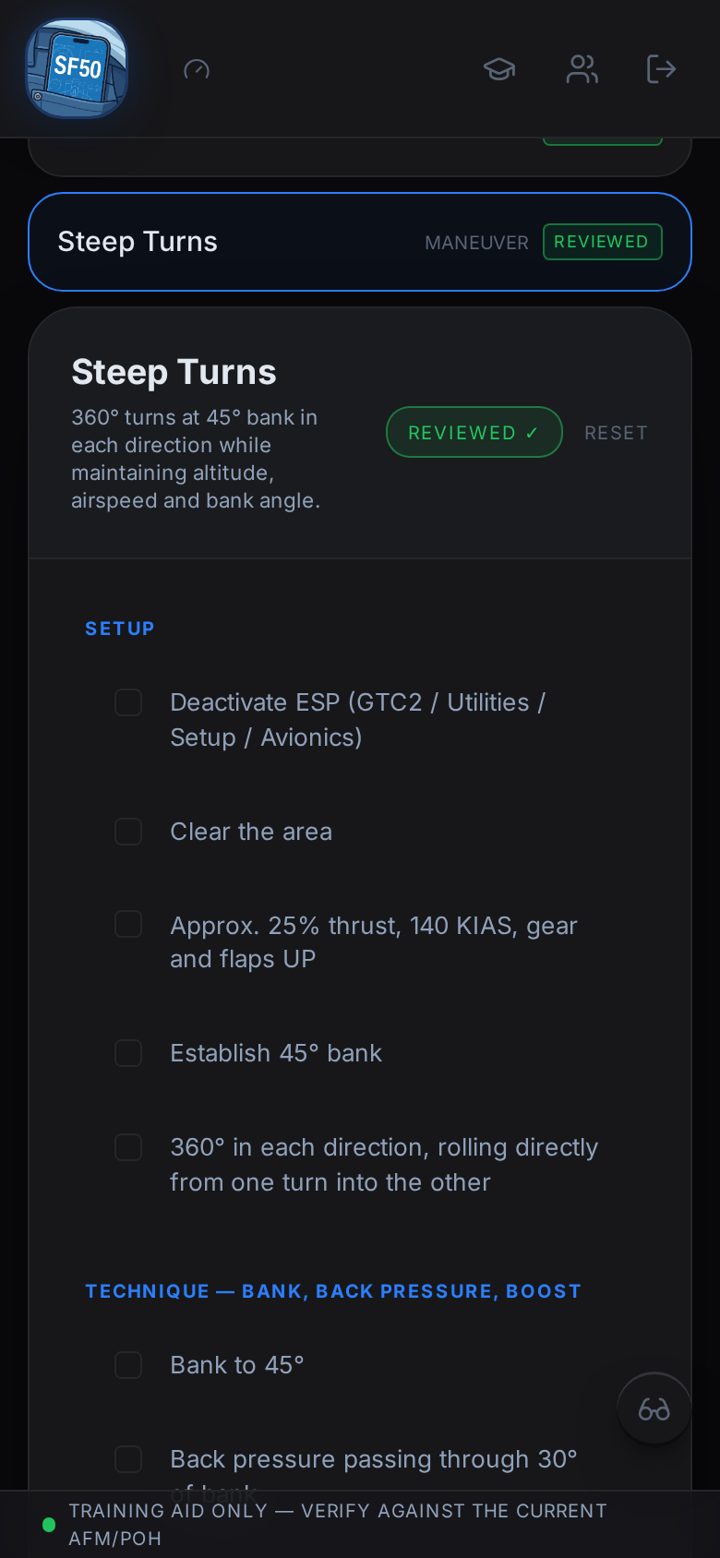
Maneuvers & Profiles
The SOPs that provide a framework for aircraft mastery.
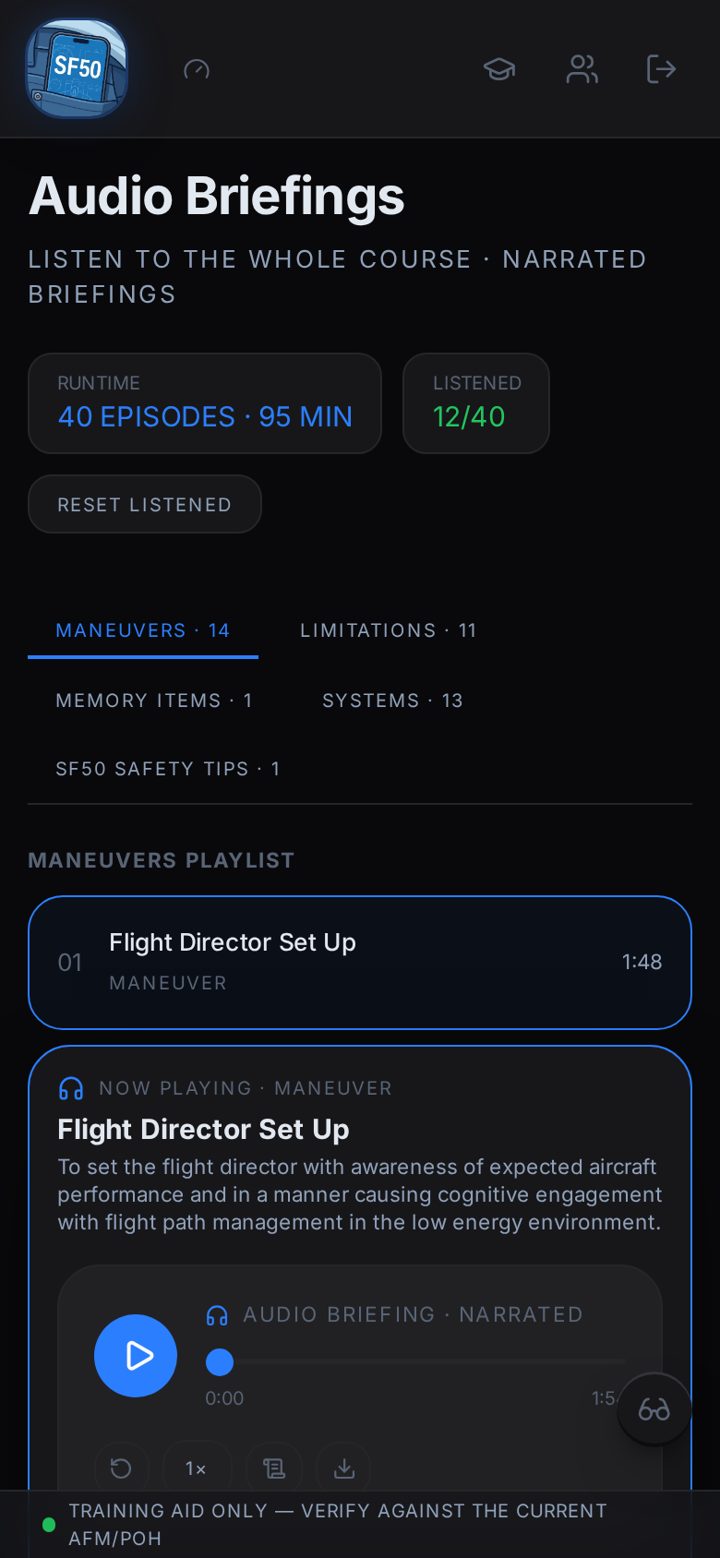
Audio Briefings
Study material formatted for listening
Knowledge Review
A comprehensive knowledge check covering material throughout the app, designed to help pilots identify areas for further study
A look inside the app
$295 today, then $49 / year
One-time purchase gets you full access for the first year — every module, the Knowledge Review, audio briefings, and progress sync.

Add the app to your phone
Put the SF50 icon on your home screen for one-tap access — it opens full screen, just like a regular app.
iPhone & iPad
Using Safari
- 1Open pocket-sf50.com in Safari.
- 2Tap the Share button (the square with an arrow pointing up).
- 3Scroll down and tap “Add to Home Screen”.
- 4Tap “Add” — the SF50 icon appears on your home screen.
Android
Using Chrome
- 1Open pocket-sf50.com in Chrome.
- 2Tap the menu (three dots) in the top-right corner.
- 3Tap “Add to Home screen” or “Install app”.
- 4Confirm — the SF50 icon appears on your home screen.
Help us improve
Spotted something that needs correcting, or have an idea that would make your training better? Tell us — every message is read and helps shape the app.